MOC
MOC DASHBOARD
Objective : To fetch details of MOC with various filters to have data in a more prescribed format.
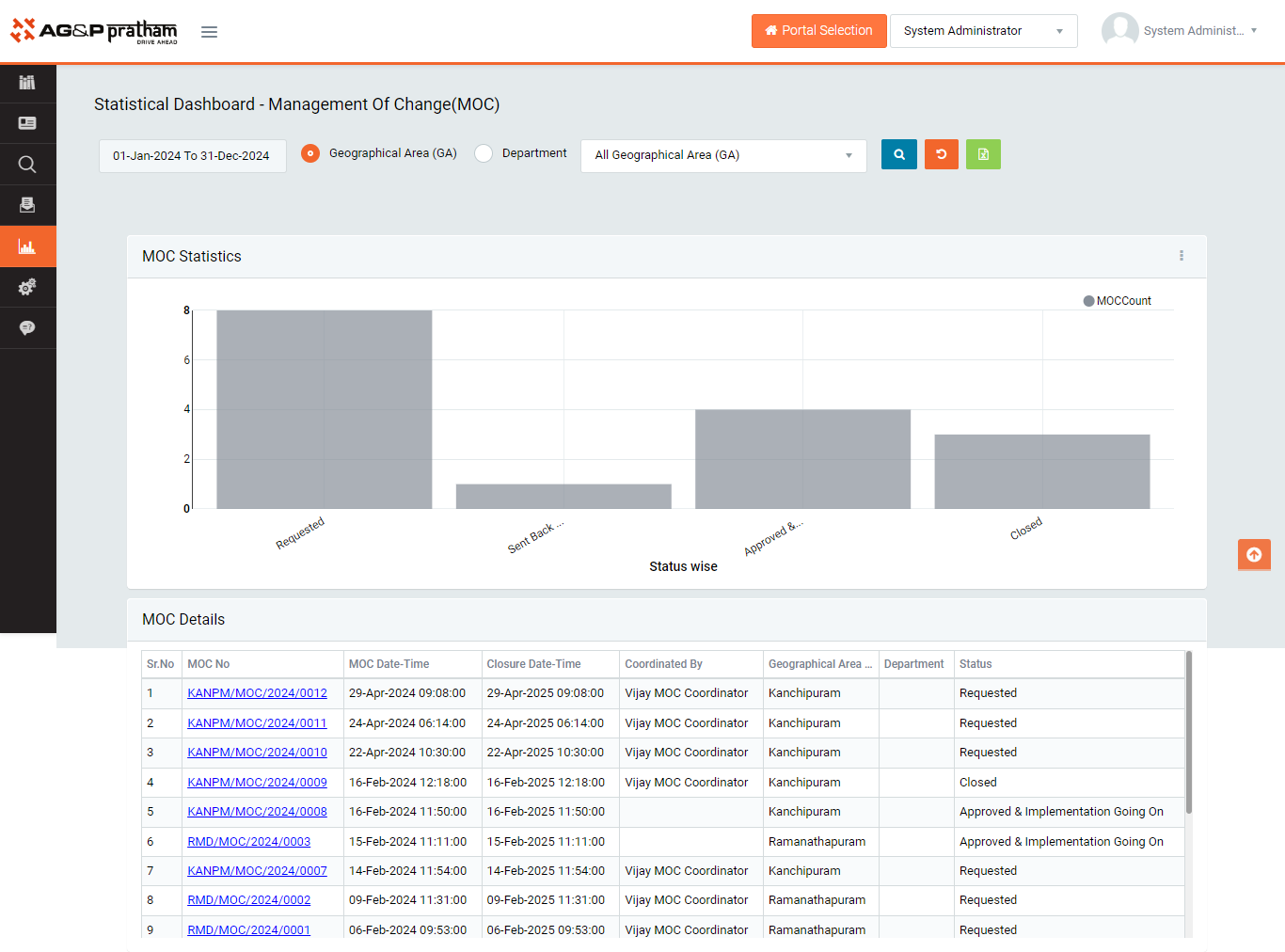
Figure 1
- Login as the system user and select filters viz Timeline,GA.
- Data in different format with details will be fetched.
- The MOC details can be downloaded in Excel format by clicking Export to Excel button.
- There are various options available in terms of graphs viz- Column, Table, Bar, Donut, Line. User can select the graph type to generate the meeting data.
- The graph data can be downloaded in png with export to png.