Meeting
Conduct Meeting
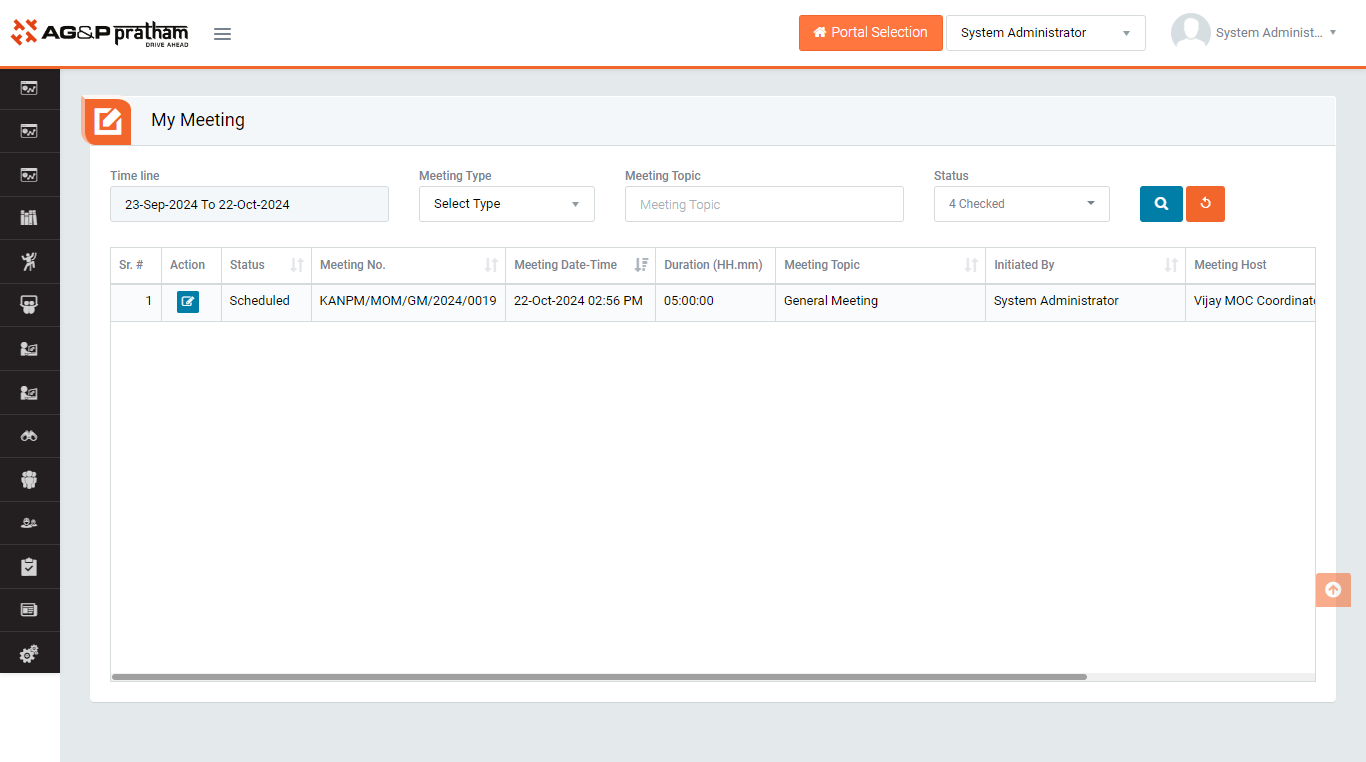
Figure 1
- Login as Reported user and navigate to EHS portal My Meeting
- User can find ones scheduled meeting to take action
- Click on meeting that is to be conduction in action column
Figure 2
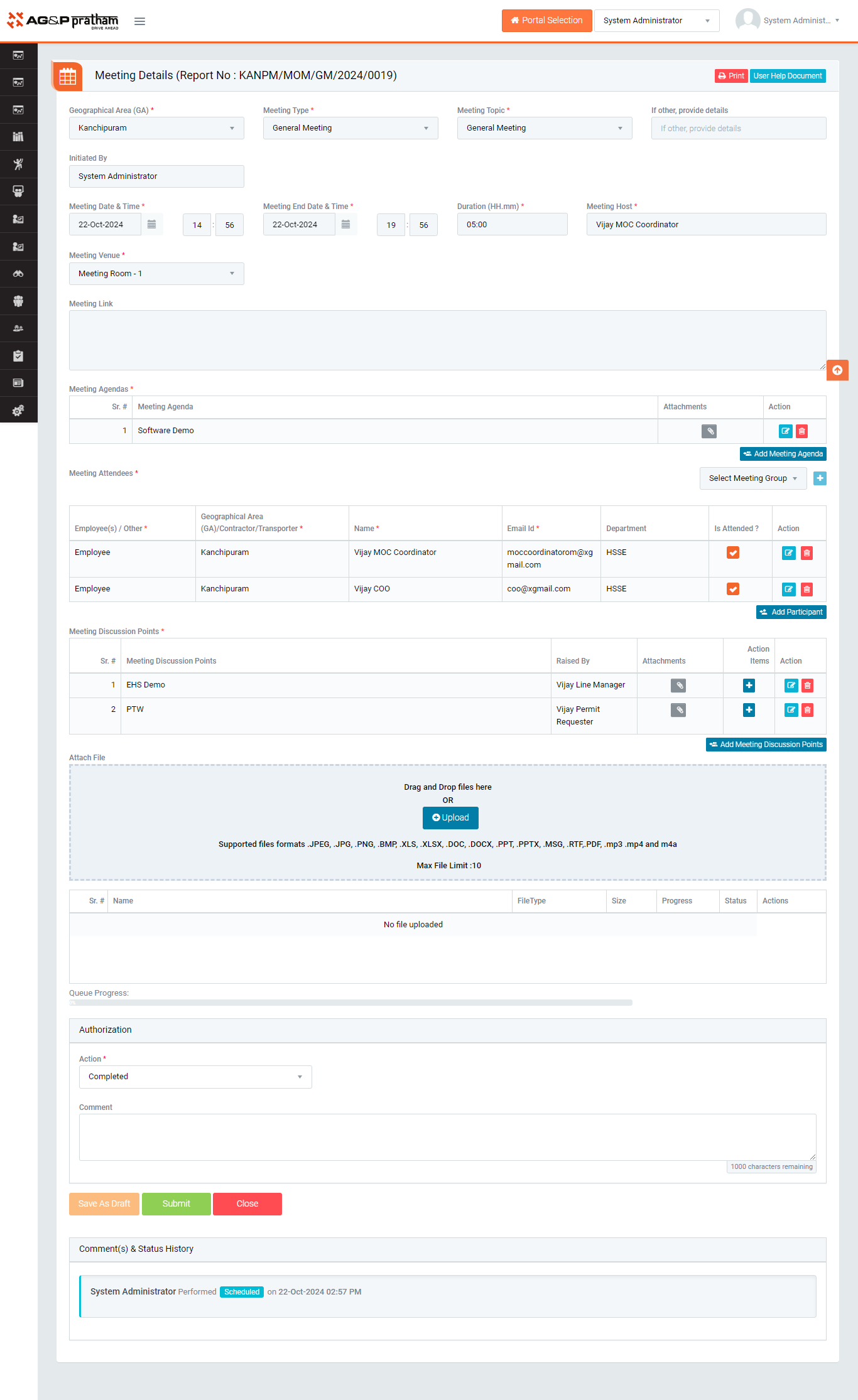
Figure 3
- Update the meeting attendees who is present and who is absent for the meeting
- Provide discussion points and CAPA for respective discussed point if required
- To take action against a particular meeting report select Action from drop down list as below :
- Authorizations

Figure 4
- Authorizations
- Click Submit button to submit the meeting report as per the selected action.
Note :
- The fields marked with * are mandatory to be filled.